Sleep tracking: understand your nights with Notify
One night tells a story. A few weeks reveal a routine. Notify brings your recorded sleep into charts and summaries that make bedtime, waking time and changes between nights easier to understand.
Notify analyses available sleep data from your wearable and displays duration, sleep intervals and supported stages. You can review overnight measurements, add notes, adjust recorded times and explore trends across longer periods.
Inside the app
See the feature with real Notify screens
These screens come from the Android app running with illustrative demo records. Tap an image to inspect the details at full size.
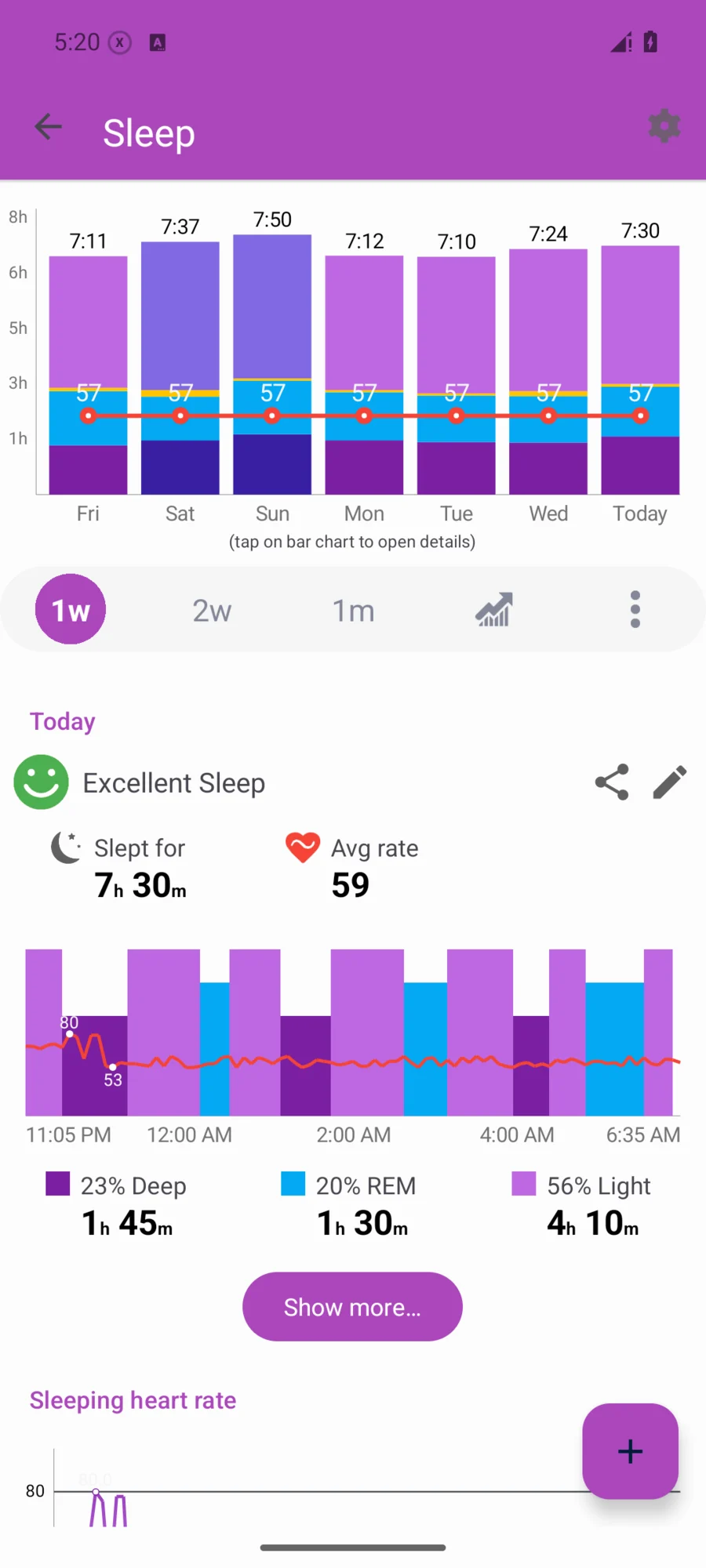
Look beyond the total hours
Review when sleep began and ended, the time recorded awake and the light, deep or REM intervals available for your device. Where overnight heart rate, SpO2 or breathing data exist, Notify can show them alongside the night so you can compare the records in one place.
Remember what was different
Add a sleep note or mood to preserve context: a late meal, travel or a changed bedtime. If a recorded start or end time is wrong, adjust it. Recalculation options can rebuild sleep statistics when the necessary raw watch data have already been synced.
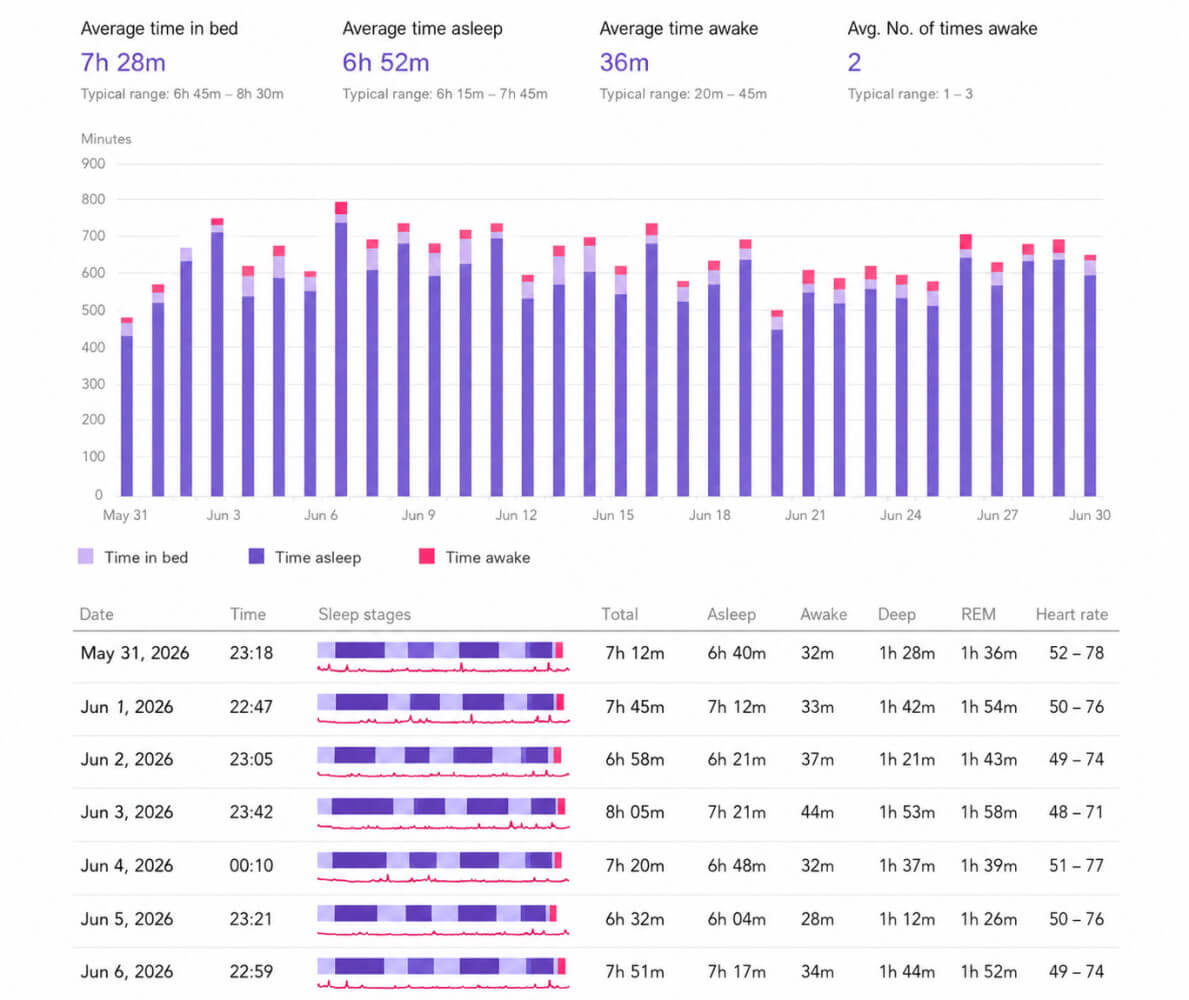
See your routine over time
Move from a single night to weekly, monthly or yearly statistics. A sleep PDF report gives you a portable view of durations and intervals, useful for reviewing your own records without scrolling through individual days.
Choose the sleep method that suits your setup
Notify offers different parsing options according to the device. Cloud-based calculation needs an internet connection and processes raw sleep data remotely. Phone-state alternatives based on Do Not Disturb or airplane mode can mark sleep timing, but cannot detect light and deep sleep stages.
Already using Sleep as Android?
On supported devices, Notify can connect wearable sensors and alarm controls to the separate Sleep as Android app. This is a distinct integration from reviewing the watch's own sleep records. Some firmware stops native sleep tracking while the integration is running, so check the warning shown for your device.
Common questions
Why does Notify show different sleep data from the official app?
The apps may use different sleep calculation methods or have different raw data available. Sync the watch, check your selected parser and review any device-specific instructions before comparing results.
Can I correct a sleep record?
Notify provides sleep notes and start/end adjustment options. Recalculating a night requires the underlying data to have been retained and synced.
Will every watch show REM and overnight SpO2?
No. Notify can display only the sleep stages and sensor measurements supported and supplied by your device or sleep calculation method.