Period tracking & menstrual cycle calendar in Notify
Keep the dates and details you want to remember in one place. Notify brings period entries, daily symptoms and cycle history into a calendar you can revisit month after month.
Notify lets you log period start and end dates, symptoms and daily notes, review cycle trends and configure reminders. Upcoming dates are estimates based on your settings and logged history; wearable features depend on your device.
Keep your cycle history in one calendar
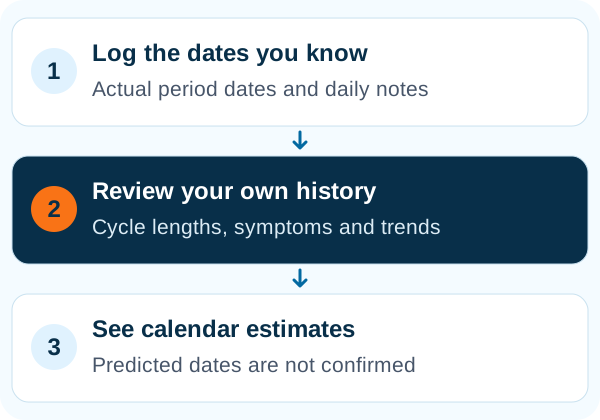
Log period start and end dates and add symptoms, mood, pain, bleeding details or a note to a day. Notify's cycle calendar brings those entries together so you can revisit your own history without trying to remember it from one month to the next.
See estimates alongside the days you actually logged
Cycle trends show recorded cycle and period lengths, their averages and variation once enough entries are available. Calendar-based predictions estimate upcoming dates from your settings and logged history. Predicted days and recorded days have different meanings: an estimate is not a confirmed event.
Choose the reminders you want
Configure app notifications and supported wearable reminders for your cycle. Watch-side display and editing depend on the device; the phone calendar is the place to check your logged history. Predictions are tracking estimates, not a diagnosis or a method of contraception.
Common questions
Are Notify period predictions exact?
No. They are estimates based on the settings and cycle history you enter. Record actual start and end dates to keep the history accurate.
Can I log symptoms and mood?
Yes. You can add symptoms, mood, pain, bleeding details and notes to a day in the cycle calendar.
Will cycle reminders work on every watch?
Watch-side features depend on the model and firmware. Configure the app notifications and wearable reminder options available for your setup.