Notify App for Xiaomi Watch and Mi Band
The core Notify Apps included in Notify for Xiaomi: advanced notifications, quick replies, navigation, phone controls, picture upload and screen mirror.
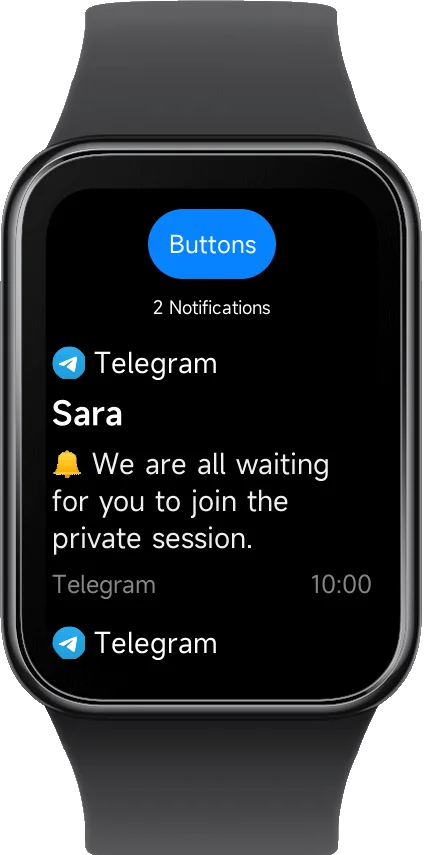
Core Notify Apps inside Notify for Xiaomi
These are the built-in Notify Apps available inside Notify for Xiaomi. Extra tools like Gallery, Notes, Cards, Counters, Calc, Calories, Motivation and Shower mode are now separate watch app installs.
Advanced Notifications
Custom vibration patterns, text formatting, smart filtering, and personalized icons per app.
Quick Reply
Reply to messages directly from your watch with keyboard, AI-generated responses, or quick replies.
Navigation
Turn-by-turn directions with vibration alerts. Works with Google Maps, Komoot, and OsmAnd.
Custom Buttons
Trigger actions instantly — automation, smart home controls, shortcuts, and more.
Picture Upload
Send photos, QR codes and screenshots from your phone or notifications directly to your wrist.
Custom Themes
Personalize the look and feel with installable themes for a unique app experience.
Lock Screen
Lock the watch screen directly from Notify to prevent accidental touches when needed.
Advanced Notifications on your Watch
Notify gives you full control over how notifications appear and behave on your smartwatch, far beyond what stock apps offer.
- Full emoji support — display more emoticons, and symbols on your watch
- Custom vibration patterns — unique alerts per app
- Custom text formatting — personalize message display
- Delay and repeat — never miss important alerts
- Custom icons and layouts — visual customization
- Smart filtering rules — control what reaches your wrist
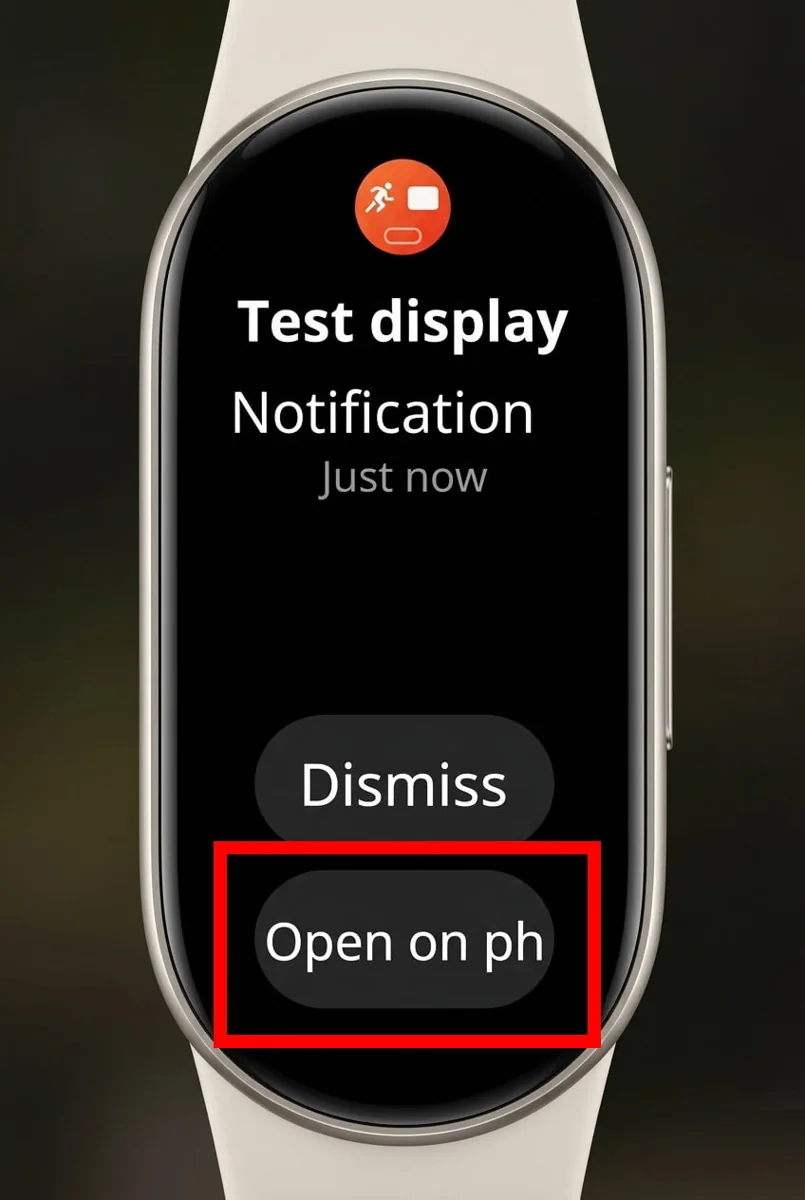
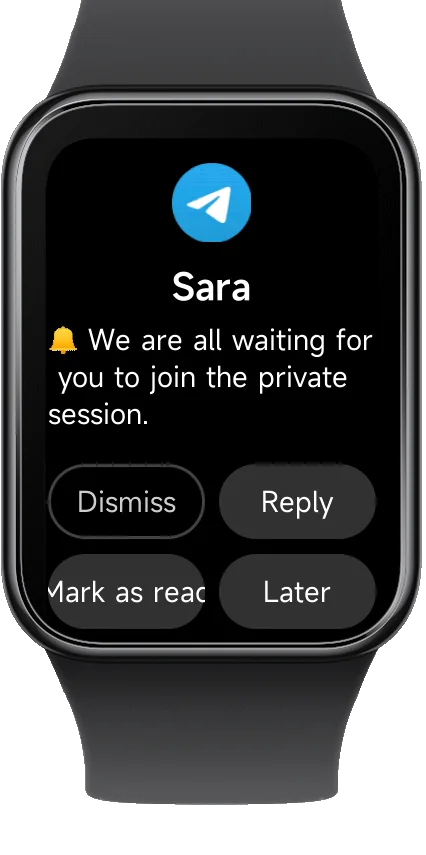
Reply to Messages directly from your Watch
The Notify app allows you to reply to messages directly from your smartwatch, without ever touching your phone. Stay connected on the go.
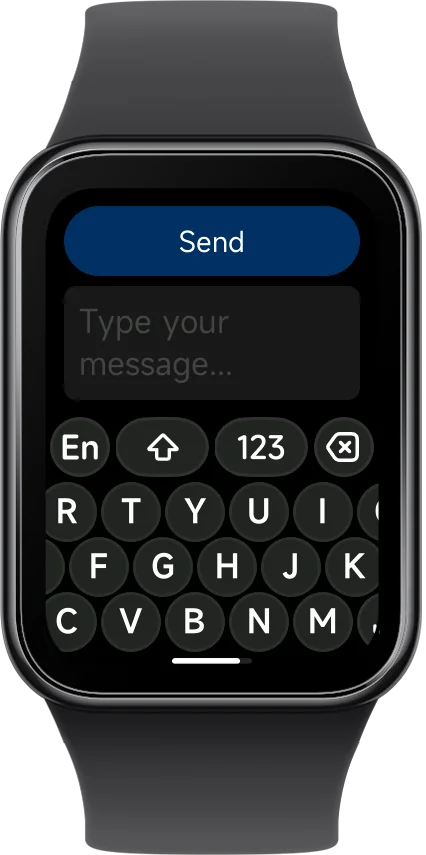
Customize Every Screen with Themes
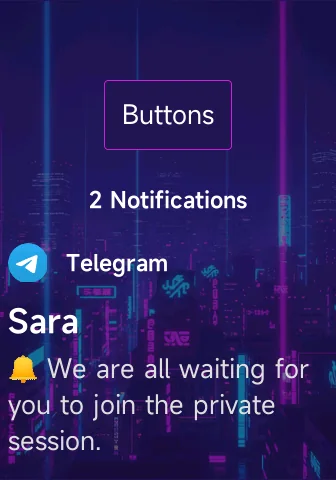
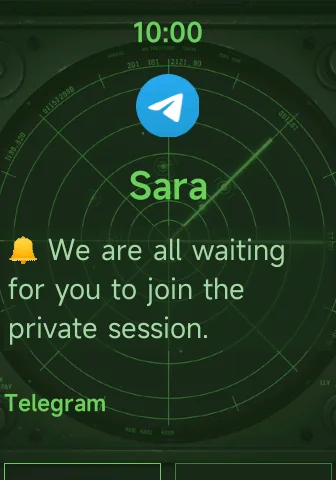
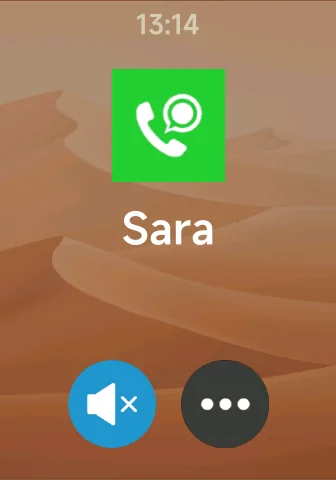
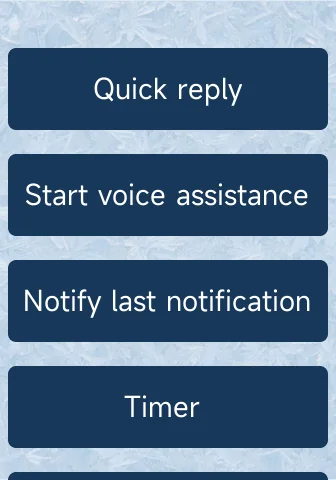
Make Notify truly yours. Install custom themes to transform the appearance of every app page — the main screen, notifications, incoming calls, buttons, maps, picture viewer, and more. Change colors, backgrounds, and layouts to match your style.
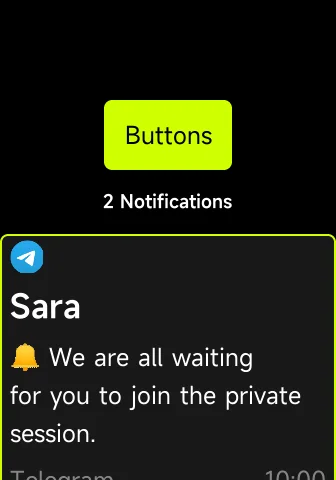
Custom Colors
Unique color palettes for every element
Custom Backgrounds
Images and gradients as backgrounds
Typography
Change text sizes
Easy Install
One-tap install from the app
Navigation on your wrist
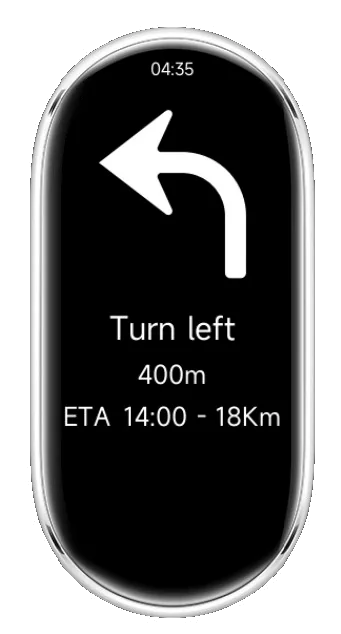
Get turn-by-turn directions with vibration alerts directly on your watch. Perfect for cycling, running, or walking without checking your phone.
- Works with Google Maps, Komoot, OsmAnd — use your favorite app
- Real-time directions — distance and ETA updates
- Strong haptic alerts — feel every turn
- No custom notifications required — works out of the box
Control your phone from your watch
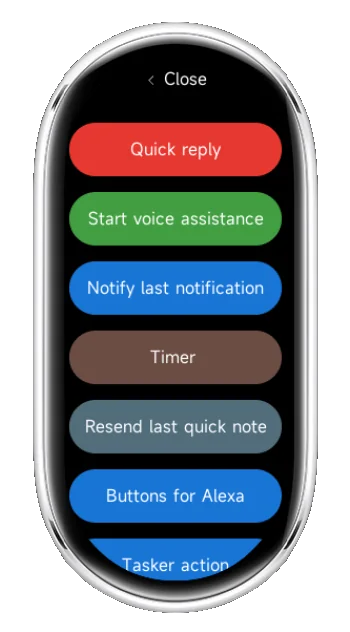
Trigger actions instantly from your wrist: automation, shortcuts, or smart controls. Perfect for Tasker users and smart home enthusiasts.
- Run Tasker actions — automate anything on your phone
- Control smart home — lights, locks, media and more
- Custom labels and order — organize your way
- Instant Bluetooth execution — no delays, instant response
Send images to your watch
Display images from your phone or notifications directly on your watch. Perfect for QR codes, photos, or any visual content.
- Send photos, QR codes, screenshots — any image type
- Receive from notifications — auto-display incoming images
- Phone screen mirror — show anything from your phone
- Fast Bluetooth transfer — quick and efficient
- Privacy-first (no cloud) — your data stays local
Mirror your phone screen on the watch
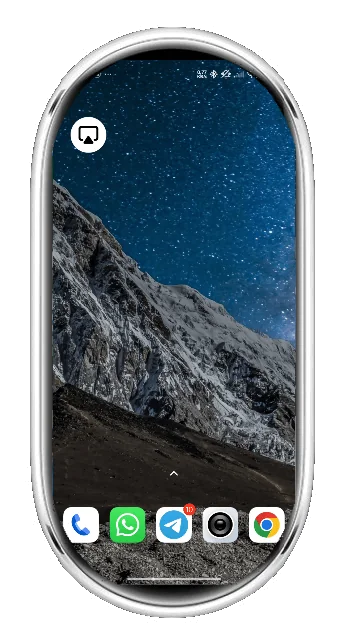
Screen Mirror is one of the Notify Apps included inside Notify for Xiaomi. It lets you send a live phone preview to your Xiaomi watch or Mi Band when you need quick remote visibility.
- Live phone preview - check the phone screen from your wrist
- Managed from Notify - start and control it from the phone app
- Fast watch access - launch it directly from the installed Notify App
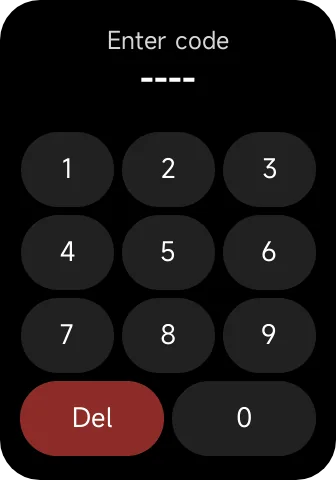
Lock the watch screen directly from Notify
Lock Screen is one of the Notify Apps included inside Notify for Xiaomi. It lets you lock the watch screen instantly from your wrist and keep it protected until the unlock code is entered.
- Instant screen lock - quickly prevent accidental touches on the watch
- Unlock code managed on phone - set and update the passcode from Notify
- Useful in active situations - ideal before showers, workouts or any accidental input scenario
Extra Xiaomi apps now install separately
Notify for Xiaomi is now the hub for the core Notify Apps, while many extra tools live as separate watch apps. This includes Gallery, Notes, Cards, Counters, Calc, Calories, Motivation and Shower mode, plus the dedicated games collection.
- Core Notify Apps stay built in - notifications, reply, maps, buttons, picture upload, screen mirror and lock screen
- Watch Apps install on demand - lighter setup and clearer separation
- Games are separate too - install only what you want on the watch
Need the full catalog?
Open the Xiaomi apps overview page to browse all Watch Apps and Games.
Dedicated multi-language support
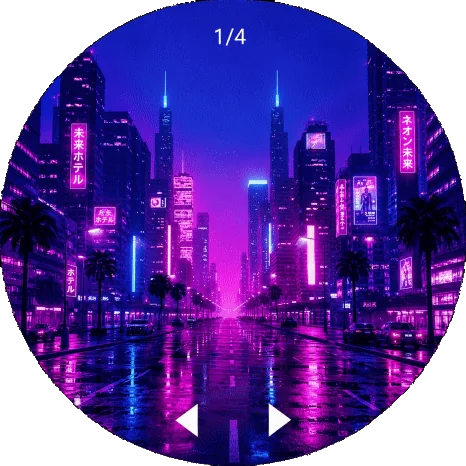
Notify includes dedicated language support to display characters properly on your Xiaomi Watch or Mi Band, helping you avoid the "?" symbol or missing glyphs that can appear with the official app when a language is not fully supported by the stock watch font.
- Dedicated font support available for: Armenian, Bengali, Georgian, Gurmukhi (Punjabi), Khmer, Myanmar (Burmese), Tamil, and Telugu
- Better message readability — show names, chats, and app notifications with the correct characters on screen
- Ideal for multilingual users — useful for WhatsApp, Telegram, Messenger, SMS, Gmail, and other notification apps
In addition to these dedicated language packs, Xiaomi watches and Mi Bands already support many common languages by default, including English, Italian, Spanish, French, German, Portuguese, Dutch, Polish, Czech, Slovak, Slovenian, Croatian, Romanian, Hungarian, Turkish, Greek, Russian, Ukrainian, Bulgarian, Serbian, Chinese, Japanese, Korean, Vietnamese, Indonesian, and Malay.
Install the Notify App on your Watch
The Notify app runs directly on your smartwatch and unlocks powerful features not available in the stock system.
Open Notify for Xiaomi
Launch the app on your phone
Go to Features
Navigate to the Features section
Open Notify
Select Notify from the list
Install
Tap Install Notify App and wait